Brains
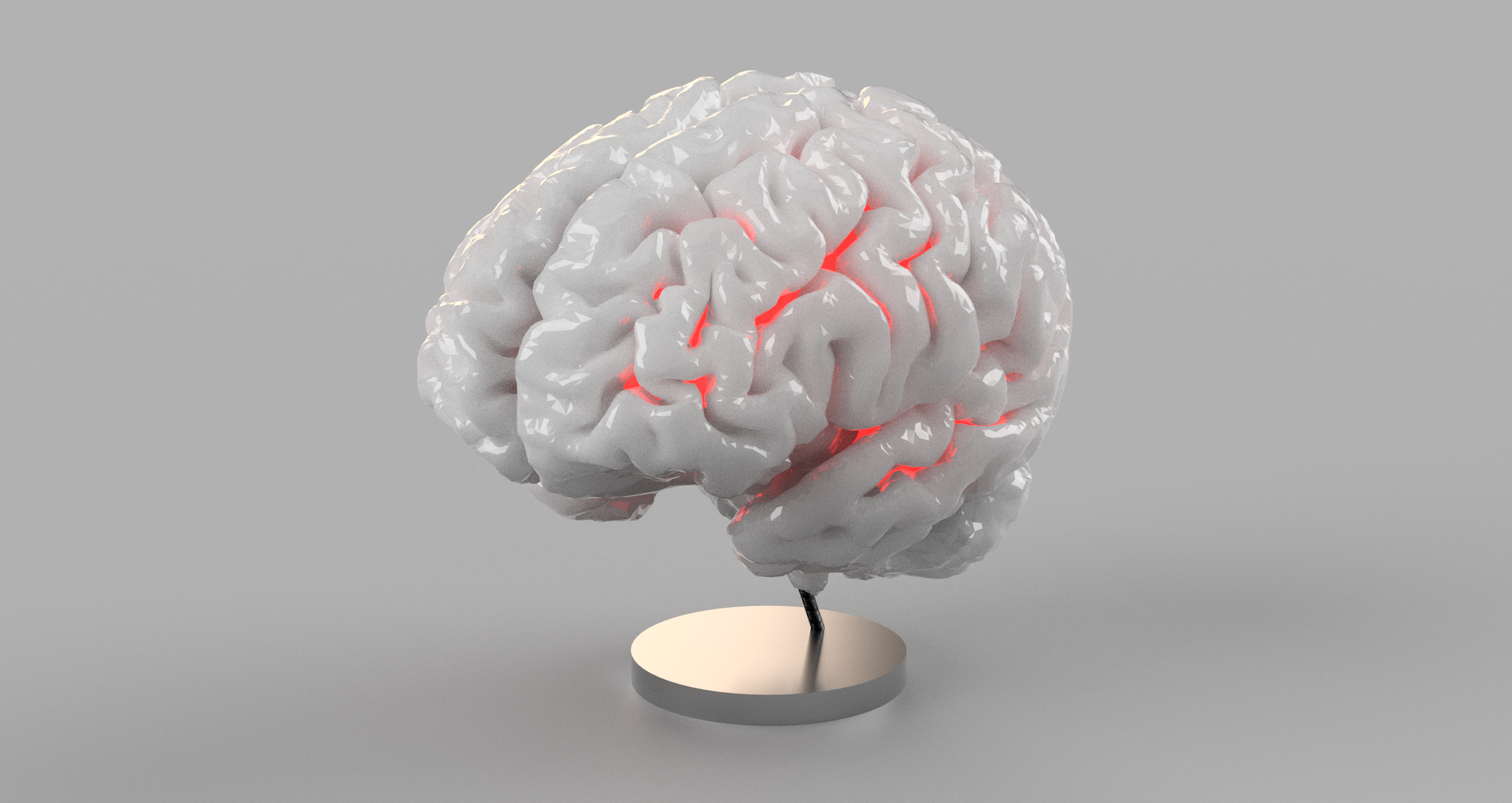
My father’s brain, 2024, frontal view; Cumulative visualization, inner brain structures in red, via Freeveiw
My parents are both PhDs in neuroscience, and because of that, I have been exposed to the science of brains and their anatomy since an early age. Spending some hours at my mom's lab, I was able to see the freezers and lab equipment they used. I even got to hold a real, human brain in 5th grade. Due to my early and continuous habitation in the household of neuroscientists, brains have been the object of some of my own study.
This exposure has, to some degree, normalized the concept of pondering my parent’s brains, and thus all cumulated when, after my parents both had full-body MRI’s done, the first thing I thought was: “I wonder if i could extract their brains from this?”
The first goal was to isolate the brain from the MRI, reconstructing a 3d model, and 3d printing it. I was prepared to do this myself, crudely isolating cerebral matter from surrounding tissue via some simple MRI analysis, but very early on I stumbled across Freesurfer. Freesurfer is an incredible open-source brain reconstruction software that takes in a T1-weighted MRI scan of the brain and preforms various forms of magic to reconstruct a complete model of the brain, segmentation and all. This spans skull-stripping, bias field correction, registration, and anatomical segmentation as well as cortical surface reconstruction, registration, and parcellation. In other words, everything you might want. In simpler terms, it isolates cerebral cortices and generates of surface models, segments of cortical and subcortical structures, and more.
This was a goldmine, as it allowed me to run the software on the MRI images, and extract a full analysis of my parents’ brains. With Freesurfer, all I had to do was run the full reconstruction pipeline on the correct MR series, and it spit out a wealth of information. A few hours of compute, and just like that (ignoring hours and hours of research and trial and error), all the data and reconstruction and segmentation of my parent’s brains were there! All I had to do was extract the data.

Freesurfer outputs the left and right hemispheres as premade surface files, as seen above. The subcortical regions, however, only exist in the segmentation files. One can binarize the segmentation volume to filter out the unwanted bits (such as ventricles, fluid filled cavities needed for circulation but unnecessary for visualization). Then, one can turn this binarized volume into a surface file, smooth out the voxels, and get some cool subcortical structures!

All visuals have been supplied via Freeveiw and/or a simple custom python code (legends, colored surface files, COW data…)
Great! We have a full brain!
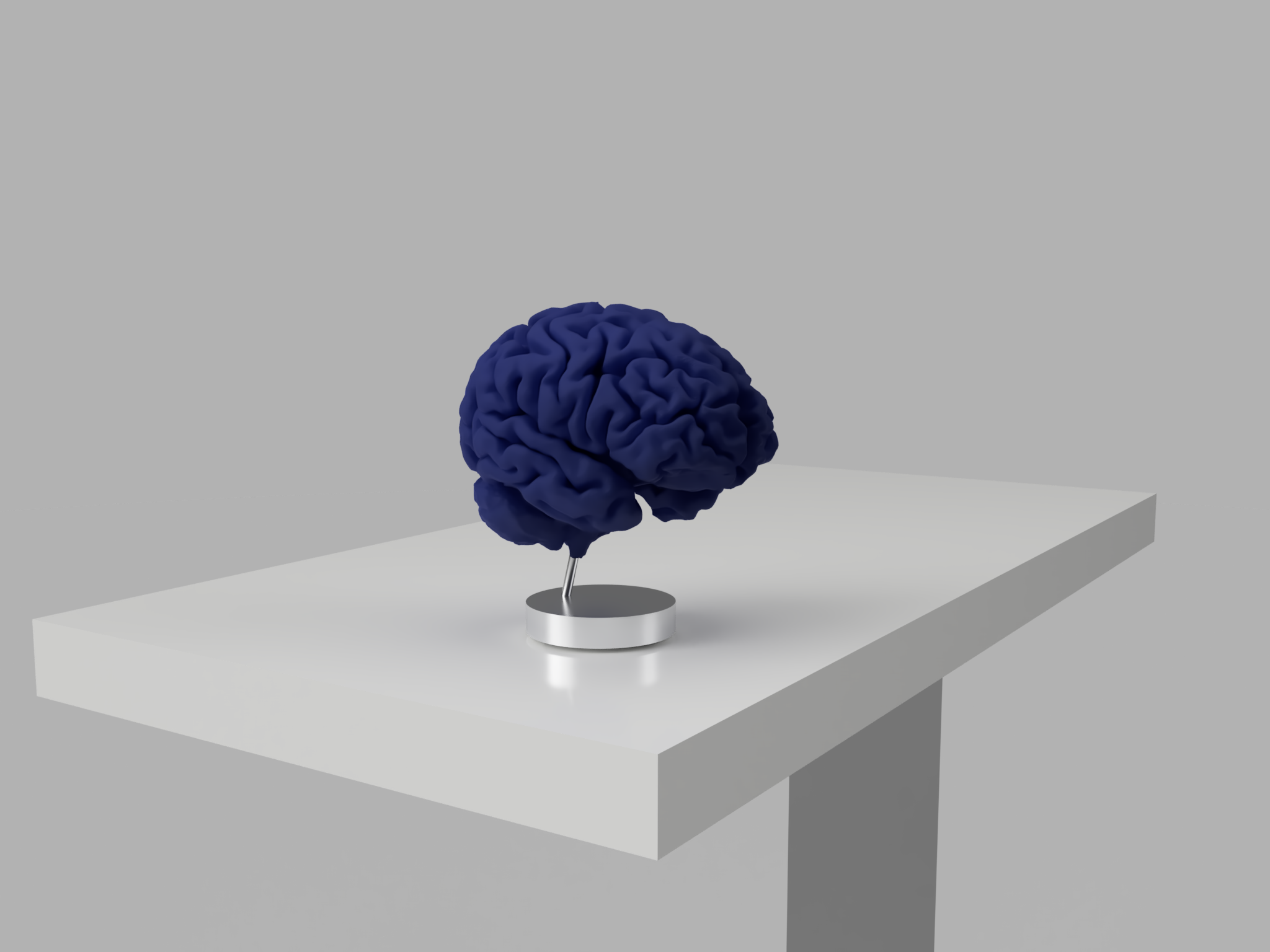
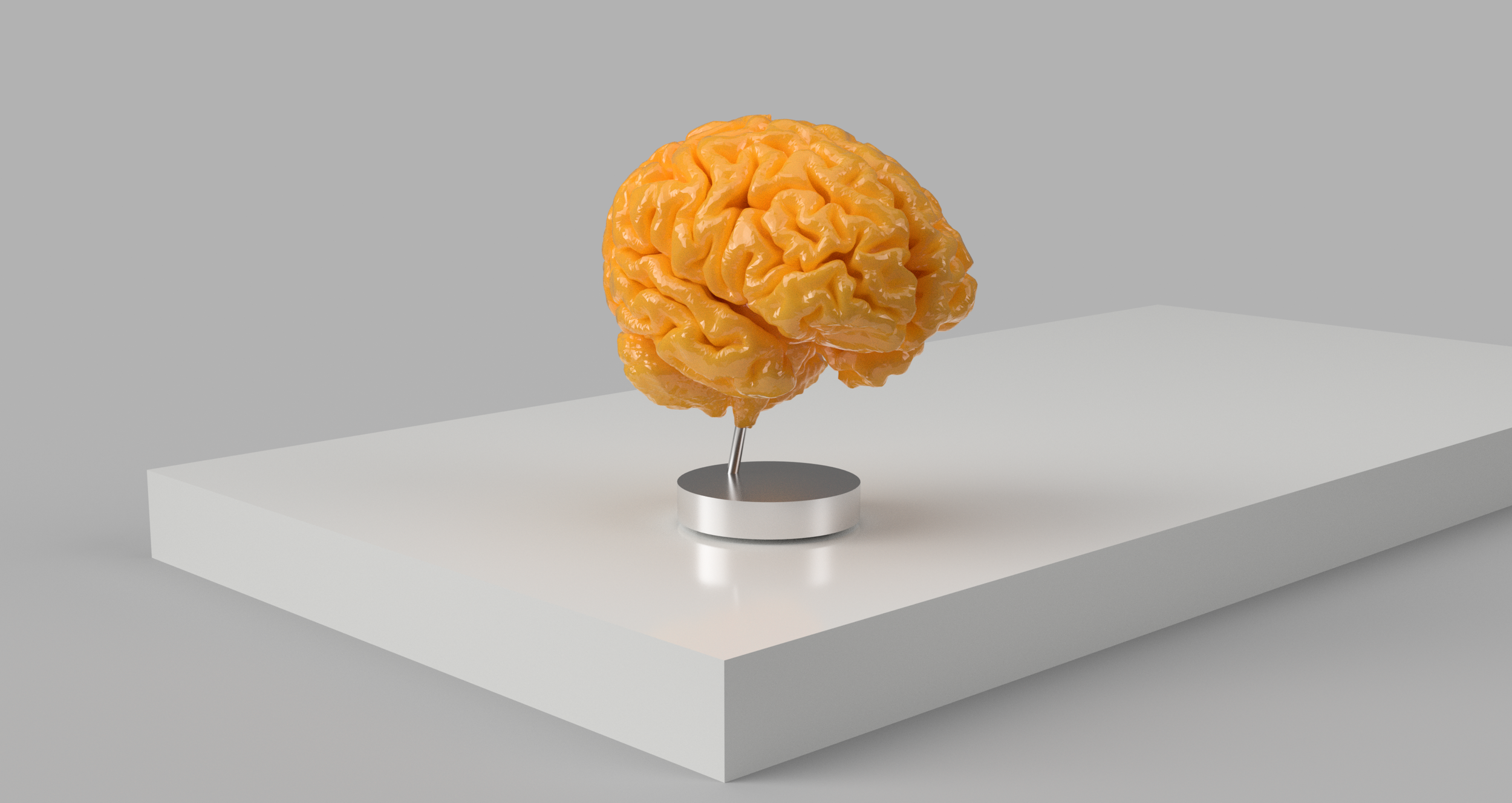
My parents have gotten these MRI scans 3 times over 3 years. Every year, I 3d print their brain in full scale. Below are a few photos of the prints. They turned out amazing.
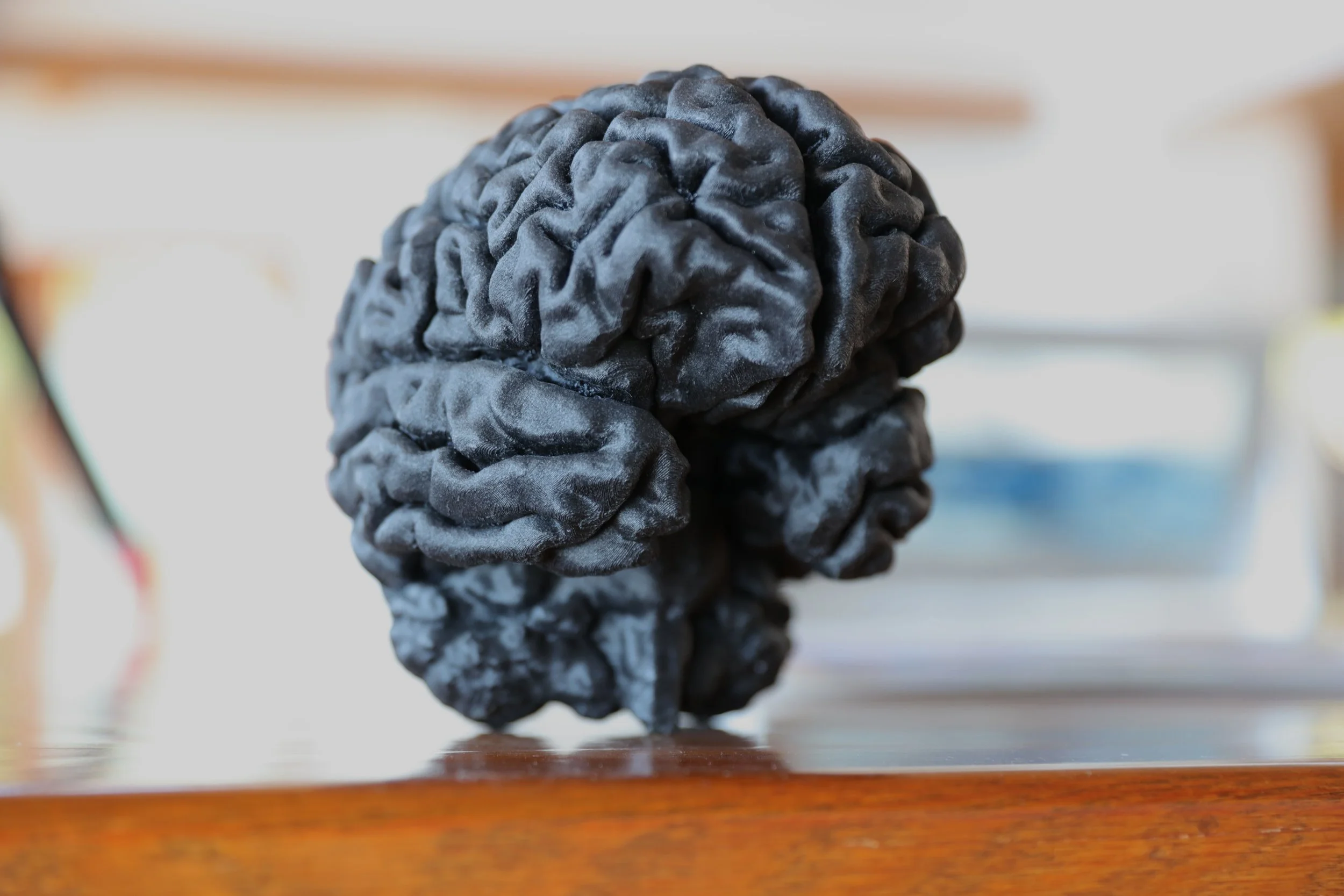
My Dad’s 2024 Brain, printed in carbon-fibre reinforced nylon. each print takes about 24 hours
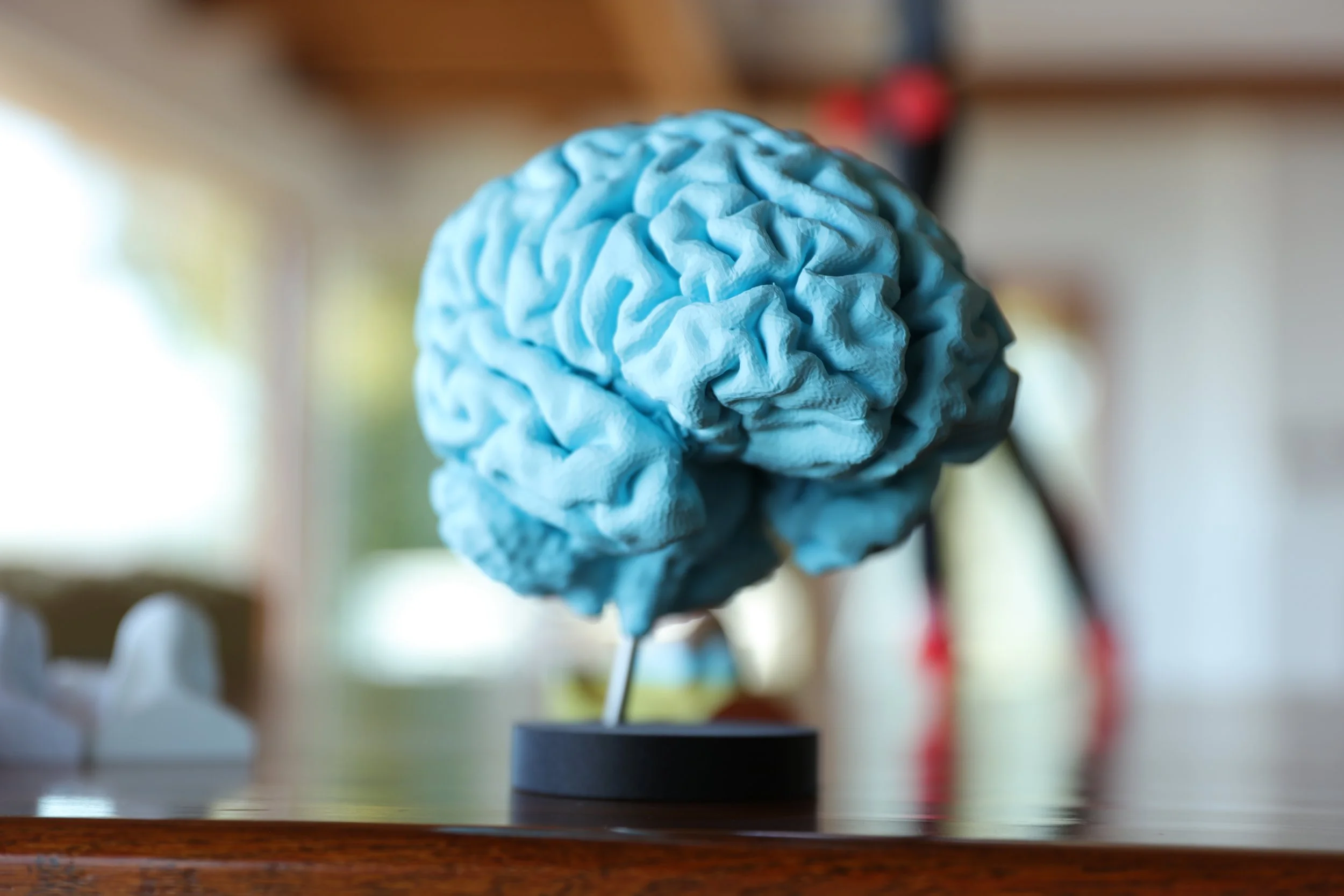
Mom’s Brain, 2024; on a little stand
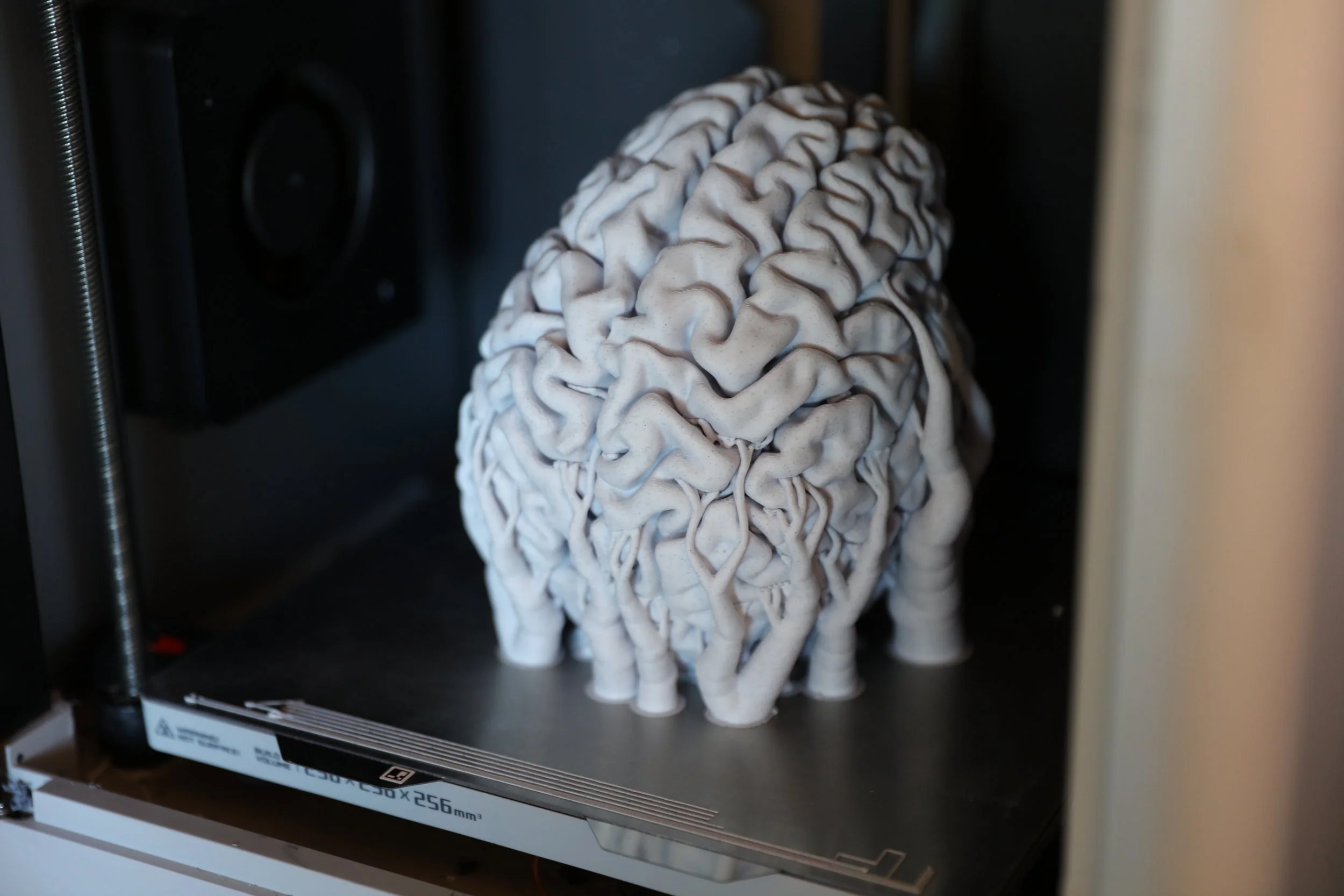
Dad’s 2026 Brain, Fresh off the Printer
As my parents, both trained neuroscientists, say, ‘those are some good looking brains!’
The only part lacking in Freesurfer’s segmentation is that it does not extract the vasculature, the veins and arteries moving blood to the brain. Fortunately, the MR scans they underwent also includes, among other things, brain MRA imaging, a specific type that highlights blood flow.
Vasculature extraction is much easier than entire brain parcellation, easy enough that I was able to write a somewhat simple python script to build a 3d model of the vasculature. A combined pipeline of thresholding and Frangi vesselness filtering, which aptly enough detects tubular structures, was utilized. This gets the tubular bits and removes larger lumps of moderate blood flow areas like the cheeks that would otherwise be present if one wanted to include the nice finer vasculature, which may have been lost through simple thresholding. This took some work to tune but it works quite nicely (when setting the threshold for structure retention too low you can get some surprisingly graphic results; accidentally seeing my father’s entire head and face solely through the veins running through it was a bit surprising — I was impressed by the fidelity of my vasculature-extractor due to the accuracy in which it picked up every vein in the face. I will not display that here.).
The MRA was actually targeted on the Circle of Willis (COW), a major structure in the vasculature of the brain; this can be seen in the model below where the large, thick inter carotid arteries lead into the brain. As such the MRA unfortunately didn’t include the entire brain volume, but nonetheless the vasculature included and captured by my homemade COW isolator turned out pretty good!
Look at the way the vasculature hugs the lower brain structures, and winds through the cortexes and subcortical areas.
As a reminder, these are real structures inside my parents’ brains! Every fold in the cortex, every inner-brain structure, every artery you see exist just as they are seen in these models. To me that is incredible, that it is perfectly anatomical and true to the insides of my parents heads, and that this can all be achieved for free.
In brain labs, often one finds rather than a whole brain, slices of them.
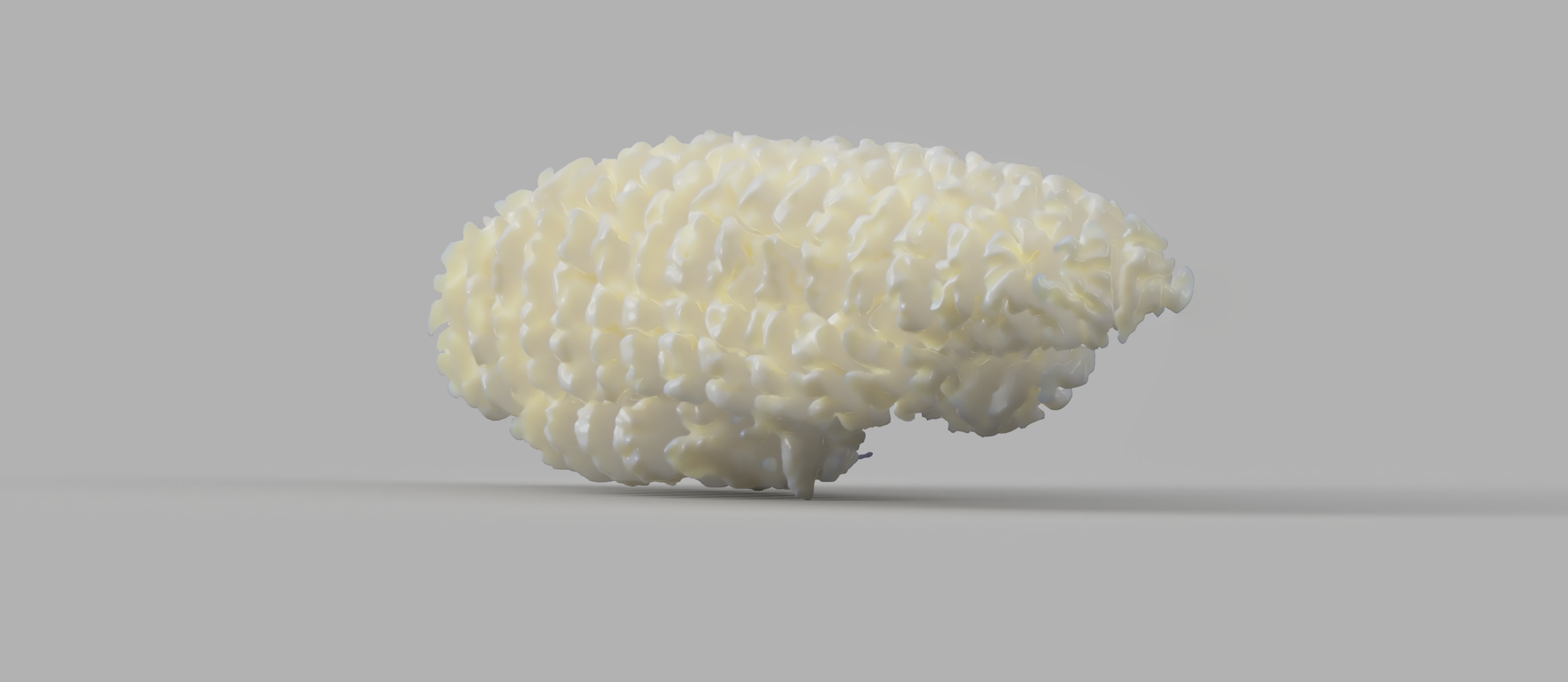
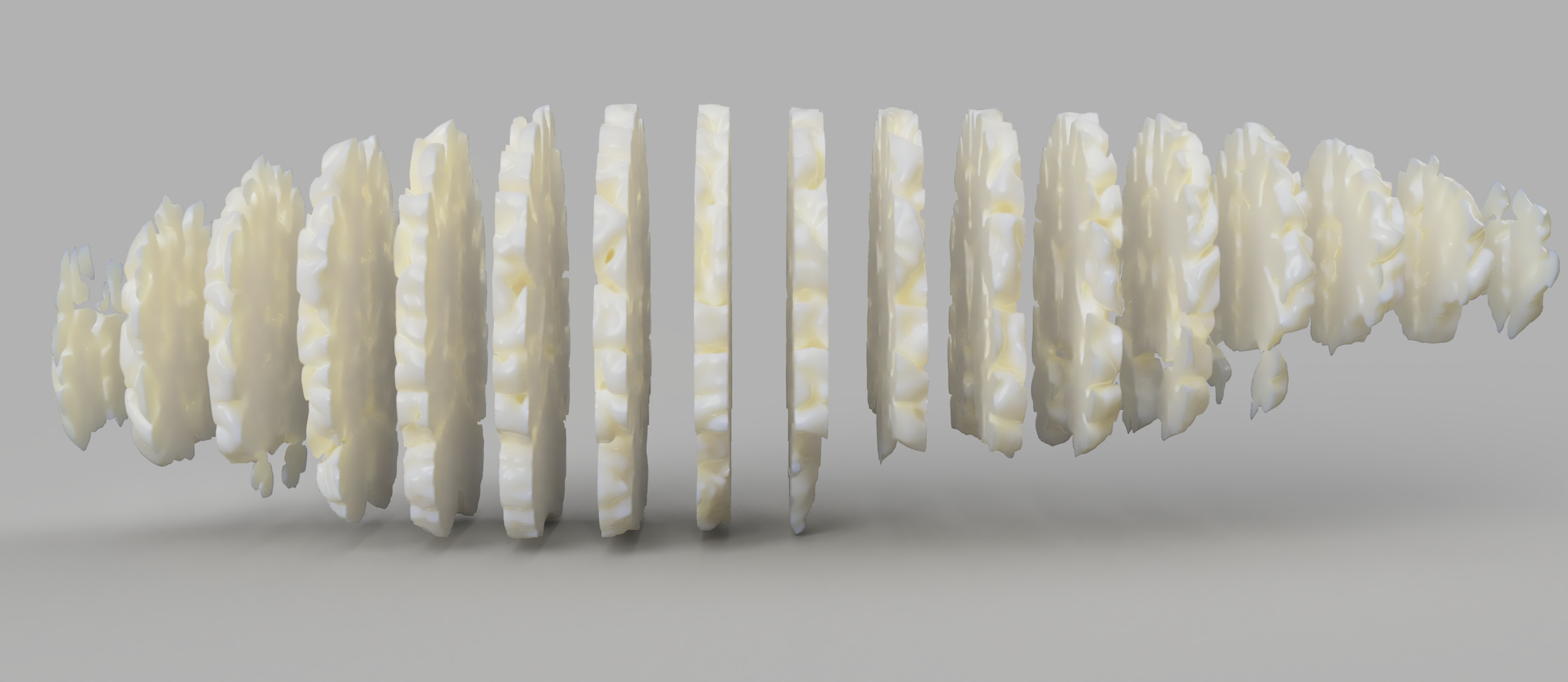
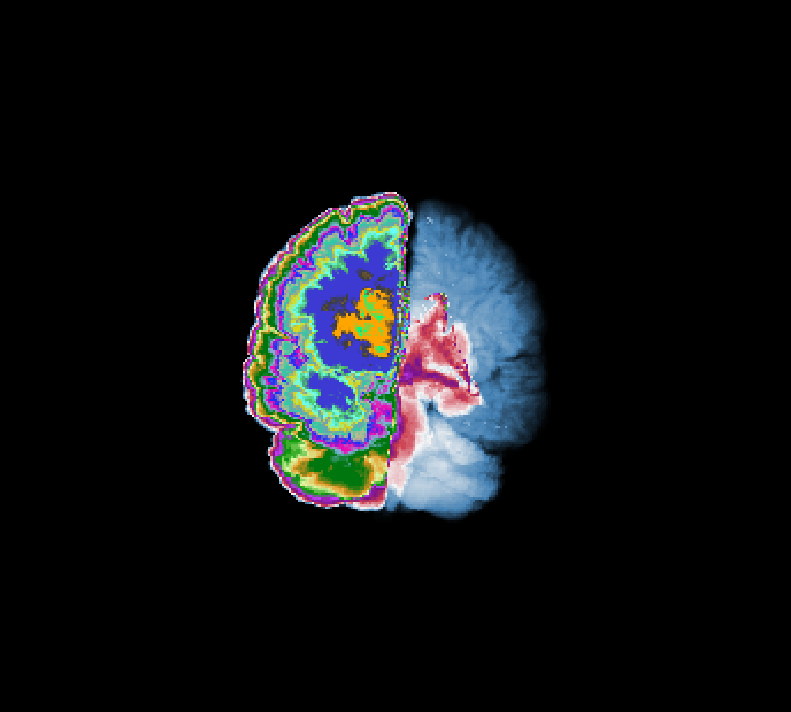
Brain, sliced, rendered
This is often more useful, as it exposes the inner structure and anatomy of the brain you usually cant see. One can do this on the computer by looking at the MR scans, or through Freesurfer’s reconstruction, but I find seeing these things in reality is always better. I wanted to generate 3d models of these slices, and have some sort of patterning on them to reveal the anatomy, highlighting the different anatomical bits that would normally be hard to see (hippocampus, amygdala, choroid plexus, ventrals and ventricals, etcetc).
In addition, what would be great is if I could insert magnets into the print such that these slices could fit back into a whole brain
Initially I tried to do this via Fusion 360, but as it’s not very well suited for complex mesh work I abandoned that approach. Instead, I wrote some scripts to do all this automatically. This took quite a while, but as the scripts aren’t that interesting I wont go into them. The magnet placement functions accordingly to a lot of parameters that variously control how many to insert and at what density, and the script tries to minimize the distances from any point on the cut plane to a magnet. This worked pretty well.
A script also added an inlay into these slabs, thus revealing the inner anatomy. This pulls data from both inner-structure surface files, like the white matter pial files, and the segmented voxel-volumes from the aseg.mgz files.
Though it lacks annotation, the result looks incredible and once you know all the structures, and the brain as a whole opens up to you, quite literally.
With the magnets its very fun to play with.